
Hampden VINELink Coverage Boundary
Start with what the state itself publishes. The Massachusetts Department of Correction locator page directs users to VINELink or a call to (866) 277-7477 to locate someone in a Massachusetts prison. The same page carries a key limit. Only the state DOC takes part in the VINE program. That single fact shapes every Hampden County search. The documented tool covers state-prison custody, not a live roster of people arrested by Springfield, Chicopee, Holyoke, or any local department. No county-specific SAVIN brand exists. The Hampden County Sheriff's Office posts no public current-custody roster either. Someone held pretrial at the Hampden County Correctional Center Main Institution may sit outside the documented VINE deployment. For county custody, contact HCSO directly. For an arrest record, contact the arresting police department.
Coverage limit: A VINELink no-result never rules out a recent Hampden County arrest.
Open Massachusetts VINELink Safely
The official Massachusetts prison locator instructions spell out who the state search covers and list the published phone alternative.
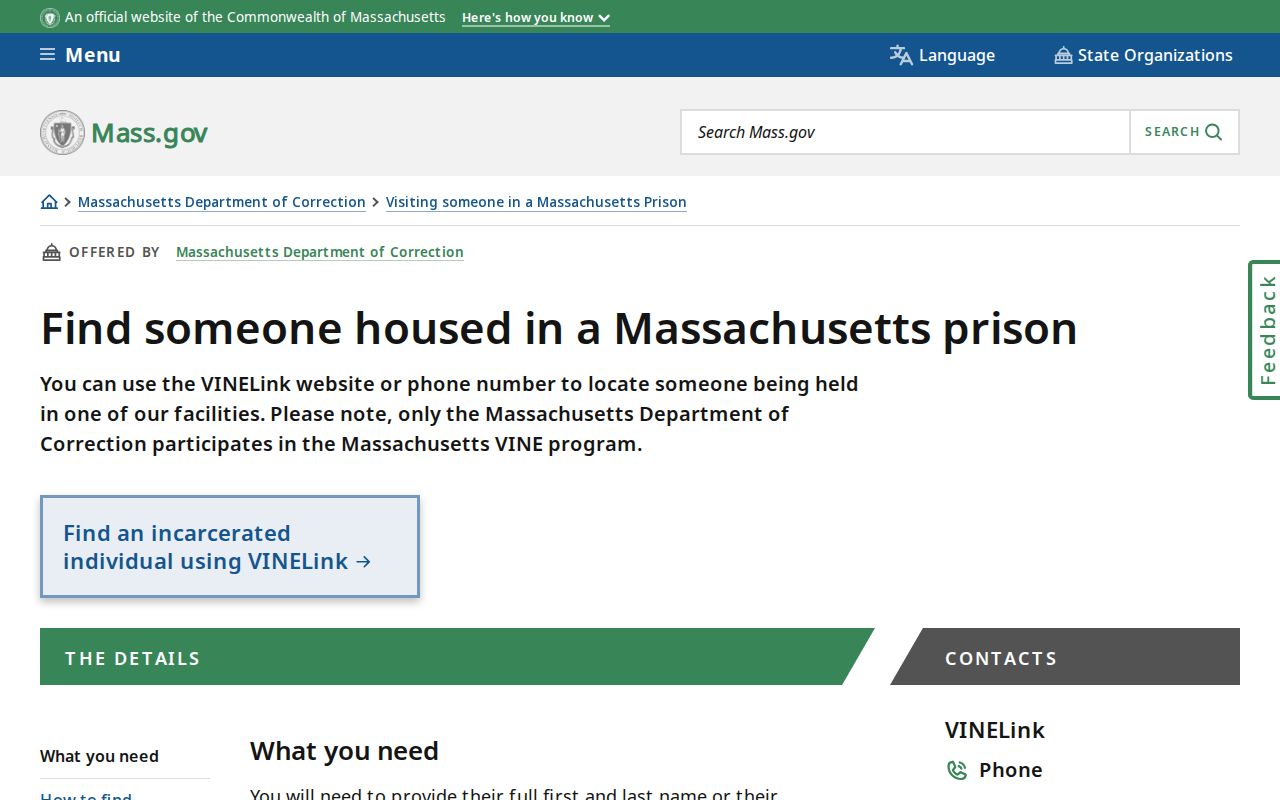
Read that locator page first. It keeps a county detainee from being mistaken for a DOC prisoner. The current portal is VINELink at vinelink.dhs.gov. An older Massachusetts deep link still circulates, but favor the current portal if the legacy address redirects or dies. Form labels on the site can shift without warning. Follow the live prompts, pick Massachusetts or its DOC deployment, and trust no old bookmark to reflect current coverage.
Check a Hampden Person on VINELink
Get the full first and last name ready before opening the portal. An identification or commitment number works better. Common names can return several possible matches, after all. A commitment number is the correctional system's own identifier, distinct from a city police arrest number or a county booking number.
- Open the official VINELink portal and choose the Massachusetts state search.
- Enter the full name or accepted identification or commitment number.
- Submit the query and review all possible matches rather than selecting the first name.
- Compare identifiers and the displayed facility or custody details with known facts.
- Open the eligible record to view status and any available notification control.
- If nothing matches, reconsider whether the person is in county, federal, immigration, juvenile, or another custody system.
The current VINE portal provides the search and registration entry point.
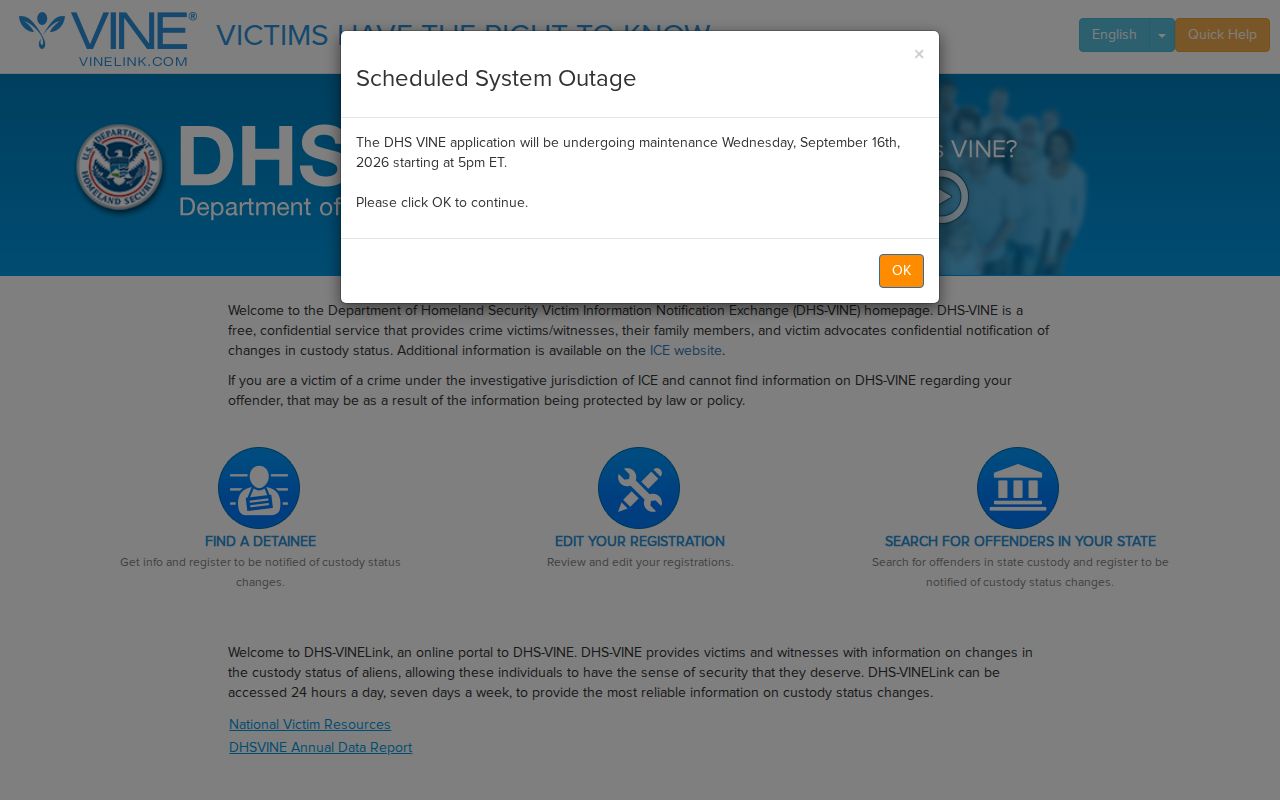
The live interface decides the field names, state selector, and alert controls.
Hampden VINELink Result Fields
Treat each result as a state DOC custody response. The interface may show certain fields when the record supports them. That is all it is. A result never becomes a municipal arrest report, booking photo, or court record just because the person was first arrested in Hampden County.
| Result element | How to interpret it |
|---|---|
| Name or identifier | Use it to distinguish possible matches; verify spelling and number against known facts. |
| Custody status | A state DOC status within the documented deployment, not proof of county jail status. |
| Facility | The reported correctional location can change after a transfer. |
| Notification option | A registration control for supported custody events, not an arrest-news subscription. |
| Release or transfer event | An event notice when the eligible record and selected alert support it, not a court result. |
| Photo | No public photo result should be promised; DOC identification photos can exist internally without forming a public gallery. |
Massachusetts DOC policy does confirm one thing. Institutional identification photographs are taken for DOC records. That internal policy builds no public booking-photo database. For a specific institutional image, the DOC public-records channel is the proper route, subject to privacy, safety, security, CORI, and other disclosure rules.
Register Hampden Custody Alerts
Registration requires a matching eligible record. A name typed into the main search box is not enough. The portal's current controls decide which contact methods and events are offered. Phone or email signup, plus a requested PIN, are standard parts of the flow. Guard that PIN. It may be needed later to confirm or manage an alert.
- Open the matching DOC record and choose its notification or registration option.
- Select an offered phone or email contact method.
- Choose the supported release, transfer, or custody-change alerts shown by the portal.
- Create the requested PIN and store it in a secure place.
- Complete the confirmation step required by the chosen contact channel.
- Return to the registration controls when contact information or alert choices need revision.
VINE alerts can support personal safety planning, family contact, victim information, and awareness of a move or release. They are not all-seeing. Alerts will not announce every arrest, deliver a booking photo, or report a court outcome. Keep agency contact information as a second channel.
Legacy Massachusetts VINE Search
An older Massachusetts VINE search URL still resolves in browsers. It may redirect, change, or show a dated interface. The DHS-hosted portal stays the preferred path. Recognizing the legacy page helps if an old bookmark points there. It cannot broaden coverage beyond the state's DOC-only statement. The observed legacy Massachusetts search page shows the earlier state-specific entry route.
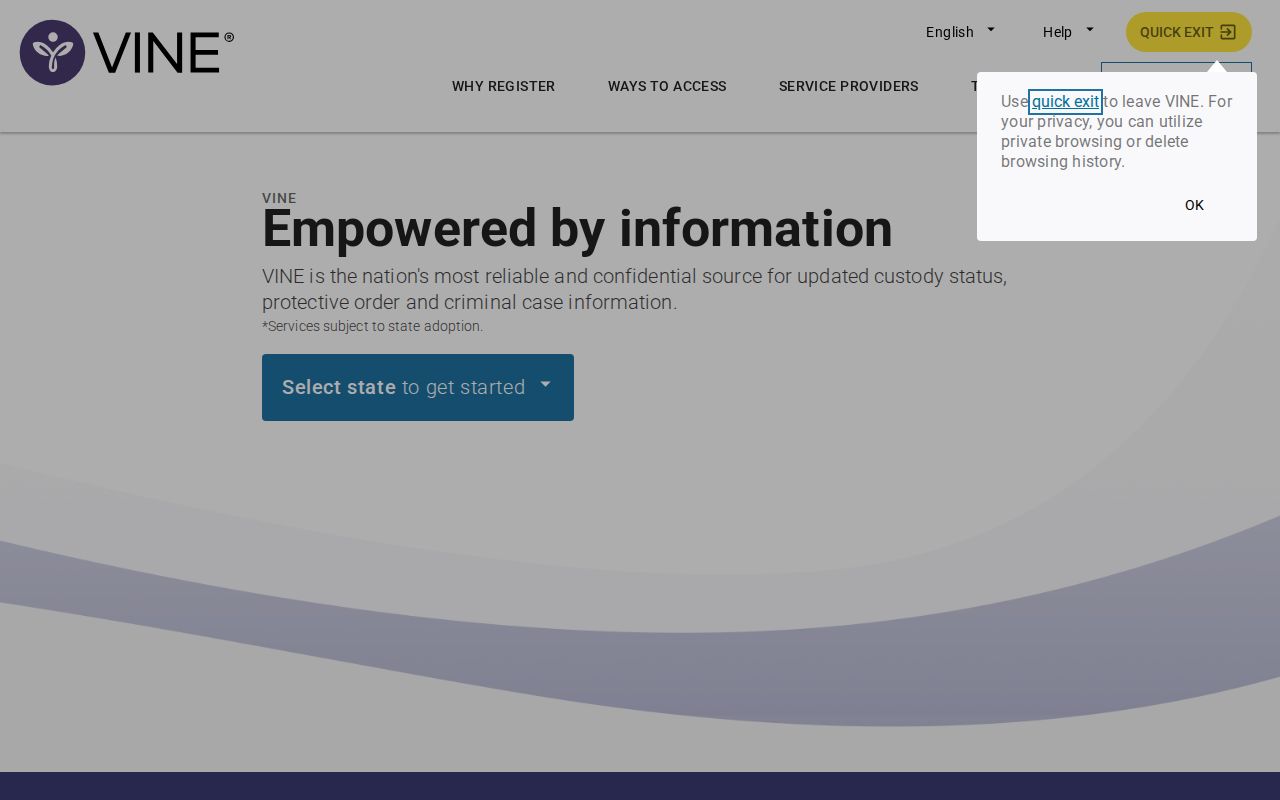
The old interface documents where the program has been. Use the current portal for any live search or registration. What if a legacy result conflicts with the current portal? Do not guess which is newer. Call the official DOC/VINE number or the holding agency. Vendor systems can lag a move. No saved page replaces direct confirmation.
Other Hampden Custody Systems
Hampden County custody splits across several systems. HCSO holds the county jail population, covering pretrial detainees and people serving county sentences. City police departments log their own arrests. The Federal Bureau of Prisons locator handles federal cases. It gives no booking-photo results online. ICE runs a separate detainee locator that needs an A-Number or biographical details. Neither federal system feeds Massachusetts VINE.
That separation explains a common pattern. Someone shows up in a Springfield weekly log, moves into HCSO custody, and later lands in state DOC custody. Each record is its own snapshot. A VINE alert about a DOC transfer tells you nothing about the earlier city arrest or the county booking.
For a fresh local arrest, start with the Daily Arrest Report fallback chain. Call HCSO's main facility at (413) 858-0000 for county custody questions. Formal county record requests go through its Records Access Officer. Save DOC and VINE for state-prison questions.
Verify Hampden VINELink Alerts
Custody data can lag behind a new admission. The lag can also follow a release, transfer, or correction. Alerts also hinge on registration details and the event types the system supports. Keep your PIN handy. Confirm your phone and email still work, and edit the registration whenever circumstances change.
VINE sends event labels only. Read the label carefully before assuming anything changed.
VINELink answers one question: where is this person in custody, and when does that change? It cannot tell you whether a charge was amended, dismissed, resolved by plea, or tried. For case outcomes, go to the court docket and the clerk. When safety or a release timing depends on current facts, confirm directly with the correctional agency. Do not trust one automated message.
Write down when you checked the portal. Note when the agency confirmed anything. If an alert arrives, read the event label first. A transfer is not a release. A release notice is not a dismissal. When two sources disagree, ask the agency named in the most recent custody record. The Massachusetts DOC line handles its prison population. HCSO answers county jail questions.
Notification is not legal notice either. VINE communicates custody events as they occur. It does not serve court papers or replace a judge's order. For anything requiring an official document, keep working with the court clerk. Your attorney, victim services, or the correctional office can also help. That layering gets real value from the tool without pushing it past its documented role.